Results
Find results
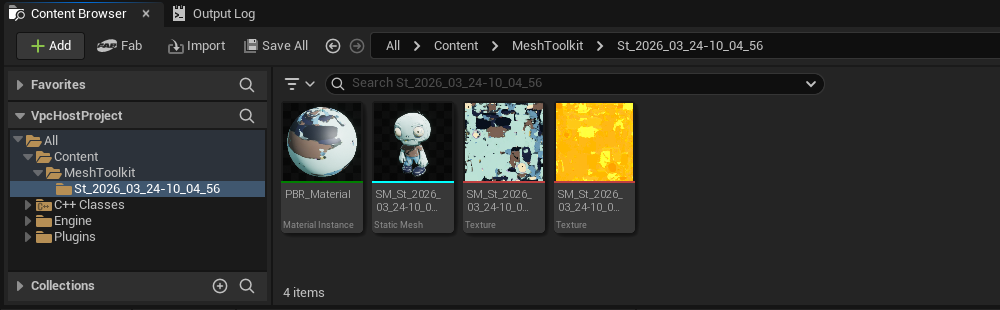
Once the result is ready, the GLB file is automatically downloaded and imported as a StaticMesh .uasset alongside with the corresponding textures and material, in your project's Content folder in a subfolder named MeshToolkit:
Content/MeshToolkit/St_{Timestamp}
info
To customize the default output directory, navigate to Edit > Project Settings within the Unreal Engine Editor. Under the Plugins section, select StudioTwin Mesh Toolkit to modify the SaveFolder setting. Note that all specified paths are relative to the project's Content/ folder.
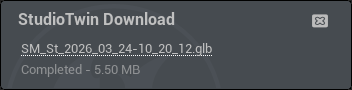
If you wish to download the .glb file you can navigate to the notification widget and press the hyperlink, and download the result on your browser.